Installation
Quick Guide to Starting the Lumi Server
Install Java
First, make sure you have Java 21 installed, which is required to run the server. Open the terminal and run the command:
java --versionIf Java is not installed or a different version is installed, we recommend downloading the Azul Zulu JDK
Manual setup
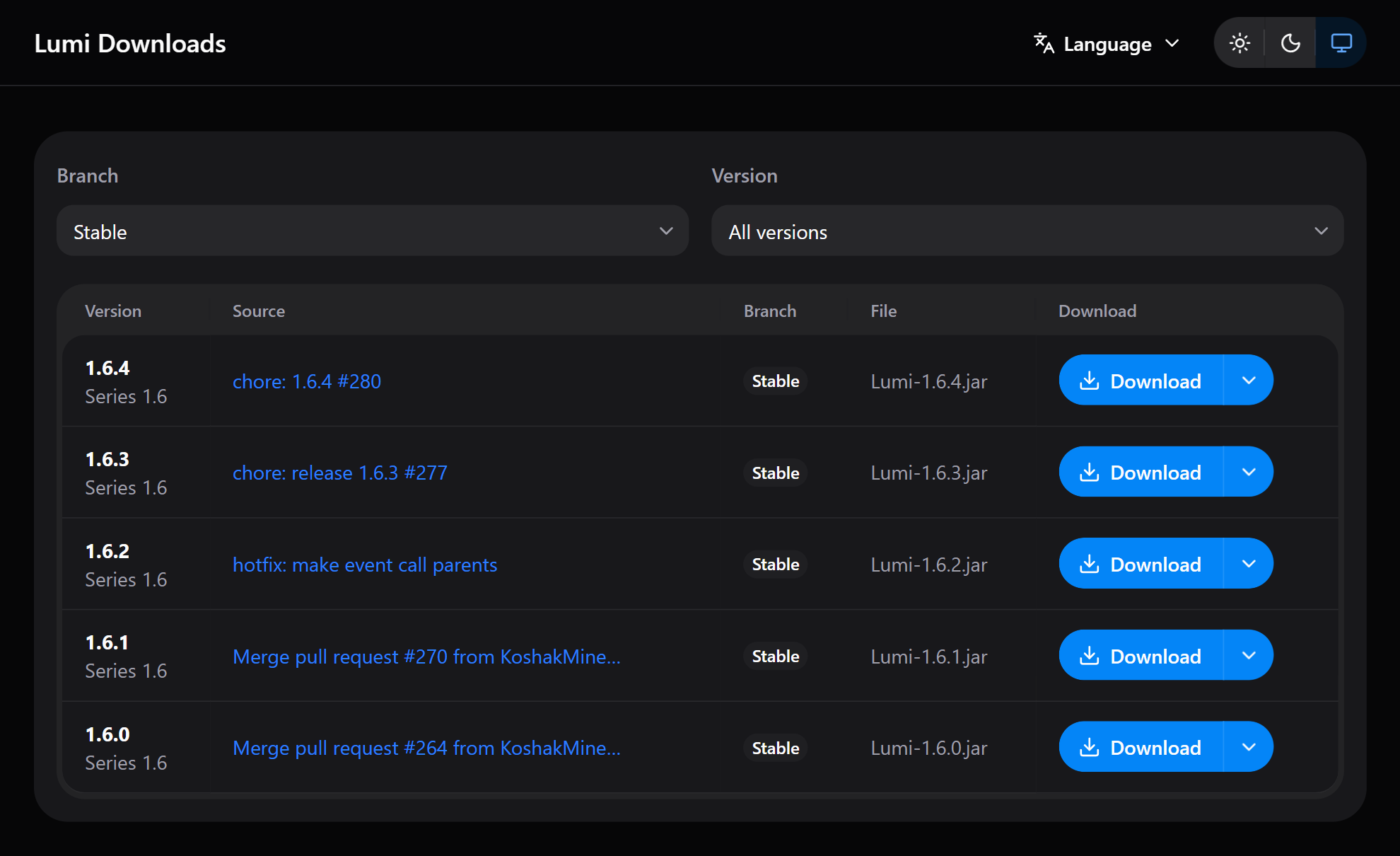
Go to the Lumi download page or download the latest version from this link
Launching:
Step 1
After downloading, place the file in the folder of your choice.
Step 2
Open the terminal and navigate to the folder containing the downloaded JAR file:
cd path/to/your/jarStep 3
Start the server with the following command pattern:
java -jar Lumi-<version>.jarreplace <version> with the appropriate version, for example full command:
java -jar Lumi-1.6.4.jarSetup via Luminesk
You can simplify the installation of Lumi using the Luminesk tool.
Go to this article for more detailed instructions.
Last updated on